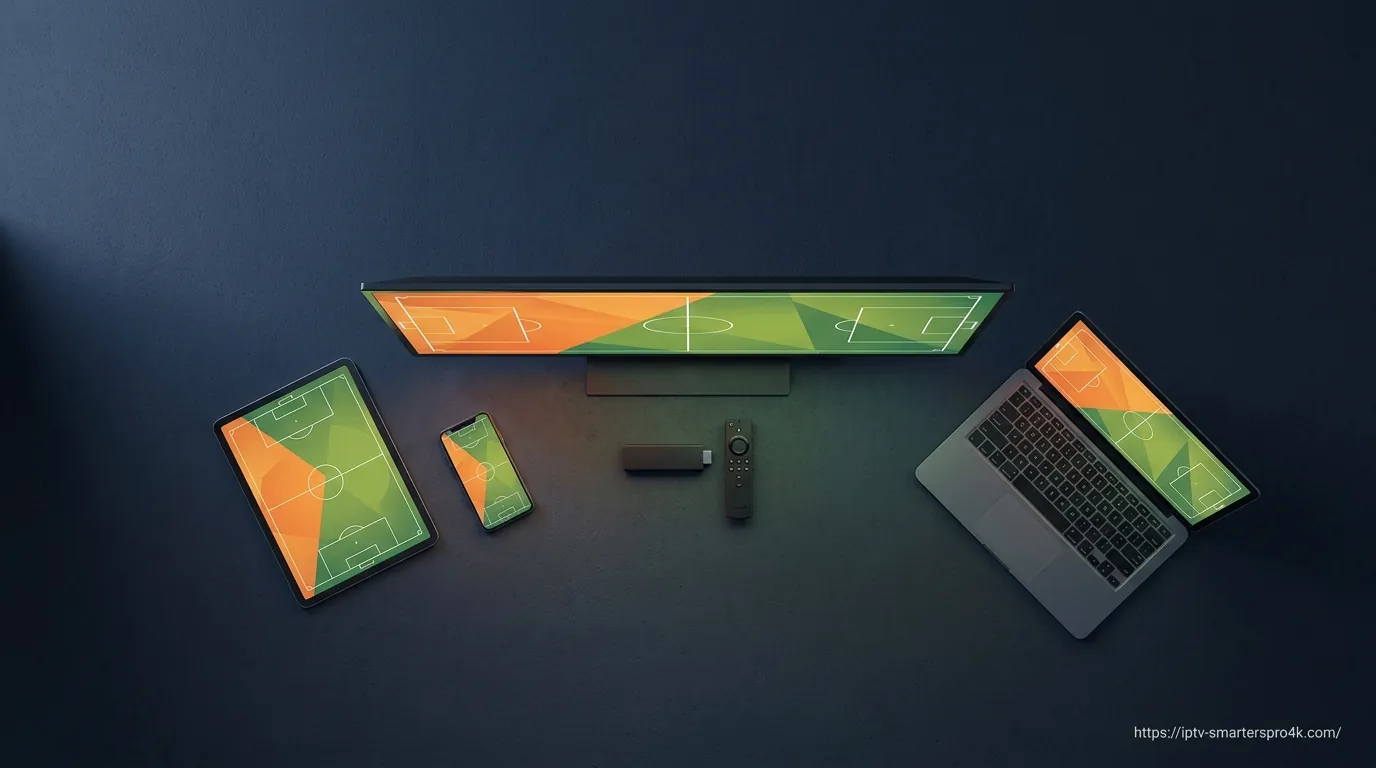
How to Watch World Cup 2026 on Firestick, Smart TV, Android, and iOS
This guide is a device-by-device walkthrough for watching FIFA World Cup 2026 on whichever screen you actually own. We cover Amazon Fire TV Stick, Samsung and LG Smart TVs, Sony and other Android TVs, Android phones and tablets, iPhone and iPad, Windows PCs, and Macs. Each section covers the setup that matters specifically for World Cup viewing: which app to install, how to log in, and how to dial in playback for the best match-day experience.
If you already have an active IPTV Smarters Pro 4K subscription, you can be watching live in three to five minutes per device. If not, the link to our pricing at the end of this guide will get you live credentials within minutes.
What You Need Before Match Day
Three essentials. First, an active IPTV subscription that includes the broadcasters you want — Fox, Telemundo, BBC, ITV, TF1, M6, RTVE, ARD, ZDF, beIN Sports, TUDN, and the international sport channels. IPTV Smarters Pro 4K includes all of these. Second, Xtream Codes credentials (username, password, server URL) or an M3U playlist URL from your provider. Third, a stable internet connection — for HD, 10–15 Mbps; for 4K HDR, 25 Mbps or better, ideally on Ethernet during big matches.
How to Watch World Cup 2026 on Amazon Fire TV Stick
Fire TV Stick is the most popular streaming device for IPTV in 2026, and the Fire TV Stick 4K Max is purpose-built for events like the World Cup. Install the Downloader app from the Amazon App Store (enable Apps from Unknown Sources in Developer Options first), then enter the Downloader code 6468112 to fetch the official IPTV Smarters Pro APK. Install it, launch the app, choose Login with Xtream Codes API, paste your credentials, and the channel list syncs in seconds. For 4K stability during peak hours, plug in the official Amazon Ethernet adapter and switch your Fire TV Display setting to Auto resolution.
How to Watch World Cup 2026 on Samsung Smart TV
On Samsung Smart TVs running Tizen OS (2017 and newer), open the Samsung App Store and search for IPTV Smarters Pro or Smarters Player Lite. Install whichever is available in your region. Launch the app, choose Login with Xtream Codes API, paste your credentials, and you're set. For best 4K playback during the World Cup, connect your TV via Ethernet, set the IPTV Smarters Player Settings to Hardware Decoder 1, and disable any unnecessary smart home devices on the same network during matches.
How to Watch World Cup 2026 on LG Smart TV
On LG Smart TVs with webOS, open the LG Content Store and search for IPTV Smarters Pro. Install, launch, log in with Xtream Codes. If the LG Content Store doesn't carry IPTV Smarters in your region, the easiest workaround is to use the Smart IPTV app (siptv.eu) or add a low-cost Fire TV Stick 4K Max to bring the official IPTV Smarters experience onto your LG screen. For the World Cup final, Ethernet is strongly recommended.
How to Watch World Cup 2026 on Sony, Hisense, TCL Android TV
Most modern Sony, Hisense, TCL, Philips, and Sharp Smart TVs run Android TV or Google TV. Open the Google Play Store from the TV home screen, search for IPTV Smarters Pro, install it, and log in with Xtream Codes. Android TV is the smoothest of all Smart TV platforms for IPTV because the Play Store version receives automatic updates. For the World Cup final, hardwire the TV with Ethernet and enable Hardware Decoder 1 in IPTV Smarters Player Settings.
How to Watch World Cup 2026 on Android Phone or Tablet
Install IPTV Smarters Pro from the Google Play Store (search for IPTV Smarters Pro). If it isn't available in your region, sideload the official APK from iptvsmarters.com. Log in with Xtream Codes. For mobile viewing during the tournament, prioritize a 5 GHz Wi-Fi connection over 2.4 GHz, enable Hardware Decoder 1 in Player Settings, and use battery-saver mode to keep your phone running through a 90-minute match plus extra time and penalties.
How to Watch World Cup 2026 on iPhone or iPad
On iOS, IPTV Smarters is published as Smarters Player Lite on the Apple App Store — same app, App-Store-friendly name. Install it from the App Store, accept the terms, choose Add User → Login with Xtream Codes API, paste your credentials, and you're streaming in seconds. For best quality on iPad, enable Picture-in-Picture so you can keep watching the match while checking the schedule in another app. For Apple TV 4K, install Smarters Player Lite from the tvOS App Store and follow the same login flow.
How to Watch World Cup 2026 on Windows PC or Mac
Both platforms run a native IPTV Smarters Pro desktop app. On Windows, download the installer from the official site, run it, and launch the app. On macOS, download the DMG, drag IPTV Smarters Pro into Applications, and launch (use right-click → Open on first launch to bypass Gatekeeper). Log in with Xtream Codes. Both desktop versions support hardware-accelerated 4K decoding — enable it in Settings → Player Settings → Hardware Decoder. Desktops are particularly useful during the World Cup as second screens for following multiple matches simultaneously.
Recommended 4K Settings for Each Device
The settings that matter for 4K playback during big matches: in IPTV Smarters Settings → Player Settings, set Decoder to Hardware Decoder 1 on any device that supports it (most do). On Fire TV, set Display resolution to Auto. On Samsung Tizen, ensure the TV's HDMI input is set to UHD Color Auto. On LG webOS, enable HDR auto-detection. On Android TV, prefer the Play Store IPTV Smarters build over sideloaded versions for the smoothest 4K decoding. On Windows, update GPU drivers before tournament day. On macOS, Hardware Decoder is essential on M-series Macs.
Troubleshooting Match-Day Buffering
Match-day buffering is almost always one of three things. First, home network congestion — other devices streaming, cloud backups, doorbell cameras. Pause everything else for the match. Second, Wi-Fi distance or interference — switch to Ethernet, move closer to the router, or restart the router an hour before kickoff. Third, the broadcaster's CDN balancing during a high-traffic moment (a goal, a red card, a save). Wait 10–15 seconds; it usually self-resolves. If none of that helps, switch to an alternate feed of the same match — a different country's broadcaster often runs on a different CDN that's not under the same load.
Frequently Asked Questions
Which device gives the best 4K World Cup experience? Apple TV 4K, NVIDIA Shield TV, and Fire TV Stick 4K Max are the three best dedicated streamers for sports. If you have a modern Samsung, LG, Sony, Hisense, or TCL Smart TV (2020 onwards), the built-in app delivers excellent quality with no extra hardware needed.
Can I watch on multiple devices at once during the same match? Yes, if your subscription tier supports it. Our IPTV Smarters Pro 4K plans range from 1 to 4 simultaneous devices — pick the tier that matches how many screens your household wants to use.
What internet speed do I need for a 4K HDR World Cup match? 25 Mbps is the recommended minimum for stable 4K HDR. 50 Mbps gives comfortable headroom for the whole household to use the internet normally during the match.
Final Thoughts
The right device for watching World Cup 2026 is the one you already own, configured well. Spend 30 minutes a day or two before the opening match to install IPTV Smarters Pro, log in with your credentials, and run a 90-minute test on a regular live channel. By the time June 11 rolls around, you'll know your setup works. If you don't yet have an IPTV subscription, our pricing tiers start at $15/month and credentials arrive by email within minutes.